
-
-
PLEASE REMOVE ANY PROTECTION FILM ON THE BOTH SIDES of ALUMINIUM BED BEFORE INSTALLATION
-
We used a light coloured heated bed illustration to make the instructions more clear and visible.
-
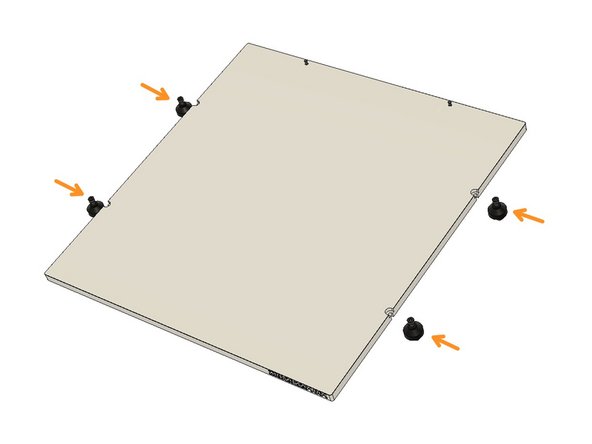
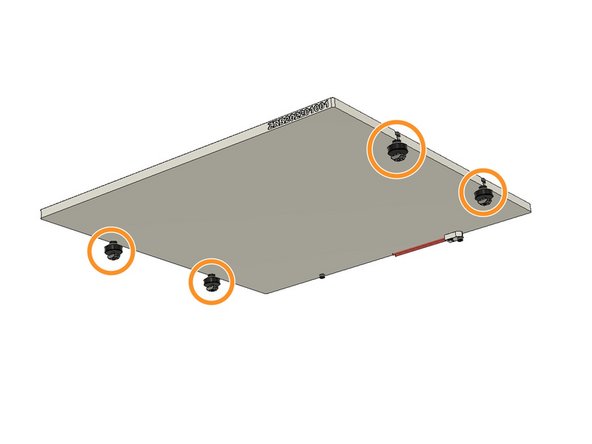
When the topside is up, the serial number should be positioned on the front right edge. Turn the backside of the plate to mount the Fuse and alignment screws supplied in the small plastic bag with the Bed.
-
Screw the M3 x 10mm screw on the right side (from the back view)
-
Screw the Fuse on the other hole with an M3 x 14mm Screw.
-
-
-
In this tutorial, we are going to stick the Magnetic Base Sheet on the Aluminium plate.
-
Peel off the 3M sticker adhesive cover on the Magnetic Base Sheet. Clean the surface of the bed with IPA.
-
Align the adhesive side of the Magnetic Base Sheet on the Aluminium plate by aligning with the M3 screws on top. The Magnetic Base sheet is cut to shape with CNC, so please align the top edges as well. Slowly stick the Magnetic sheet from top to down. Please don't stick the magnetic sheet all at once
-
-
-
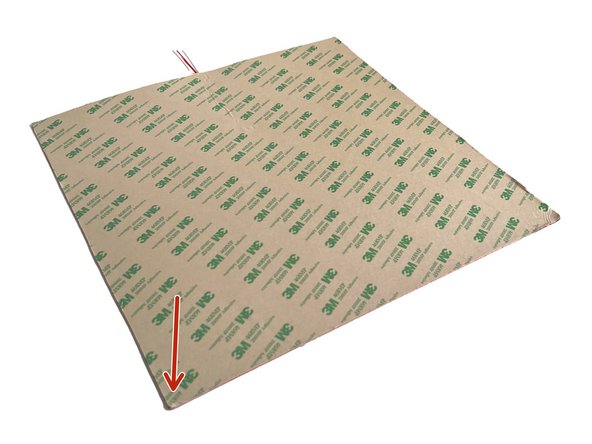
First, peel off the 3M adhesive cover from the Silicone Heating Pad. Turn the back side of the Aluminium Plate up and Clean the surface with IPA.
-
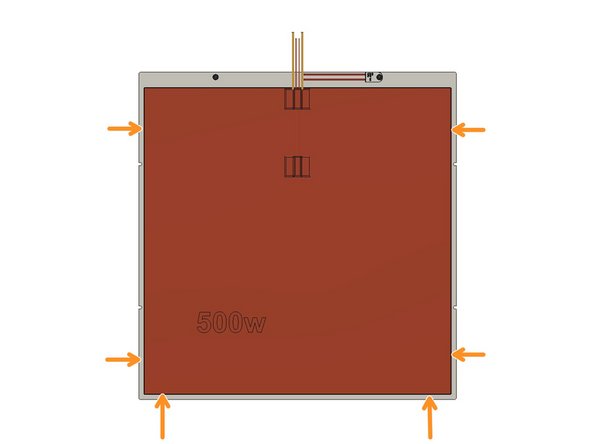
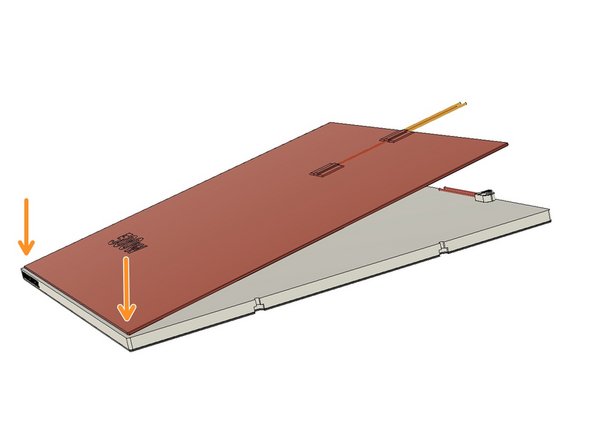
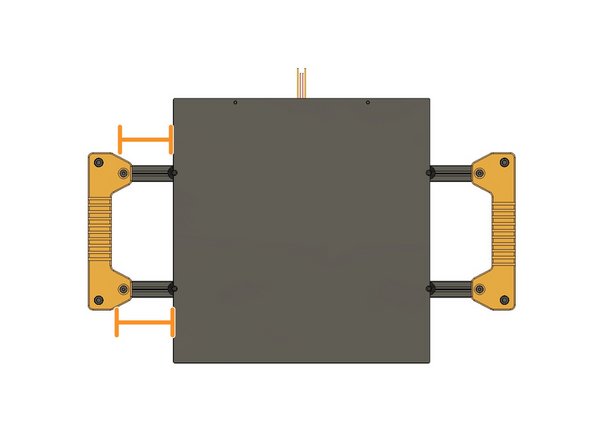
Stick the Silicone Heating Pad on the back of the Aluminium Plate by leaving equal gaps with the sides and the bottom. This time you can start sticking from the bottom side by leaving equal gaps for the sides and bottom edge.
-
-
-
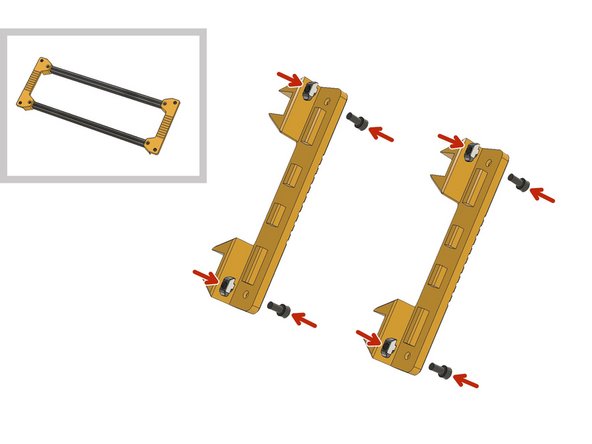
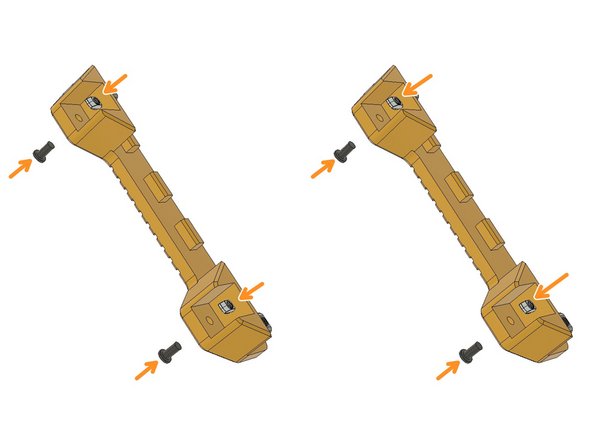
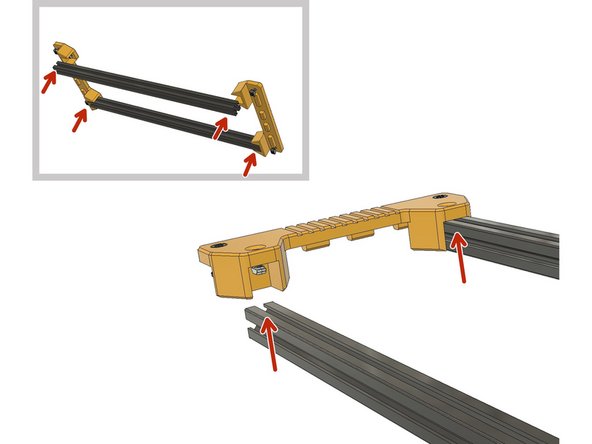
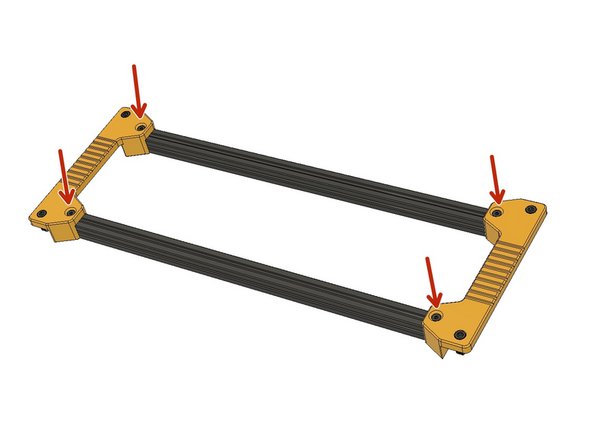
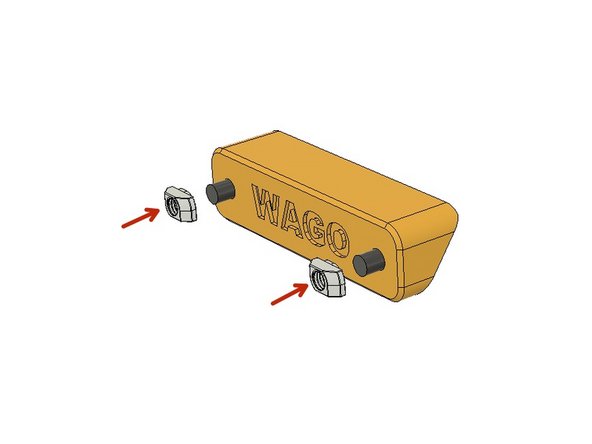
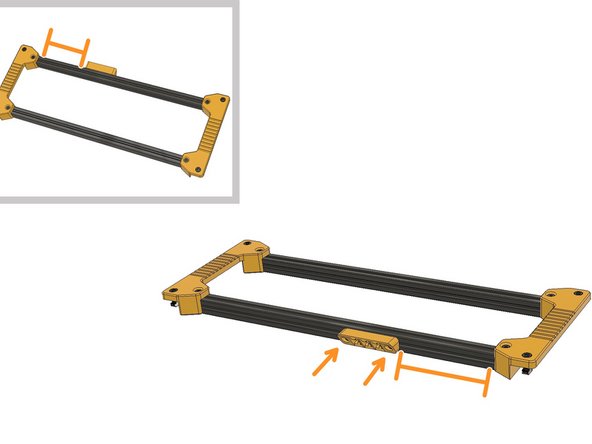
Prepare the Heatbed frame holders with M6 x 12mm and M6 2020 Drop-in T-Nuts. Leave 3mm distance between the nuts and plastic part.
-
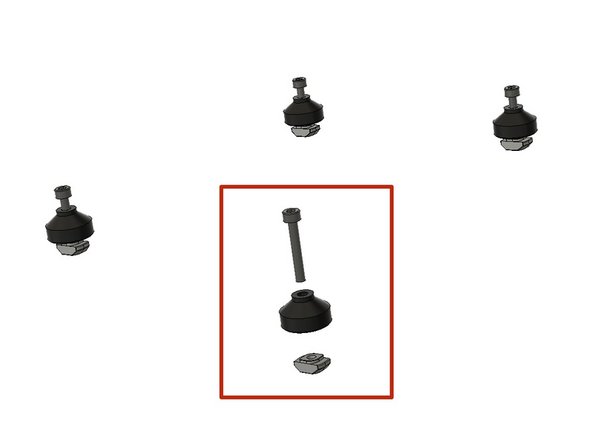
Prepare the M5 x 10mm Ultra-Low Head screws and M5 2020 Drop-in T-Nuts.
-
-
-
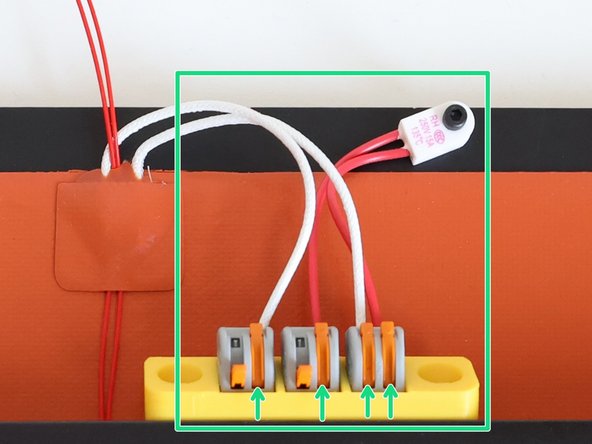
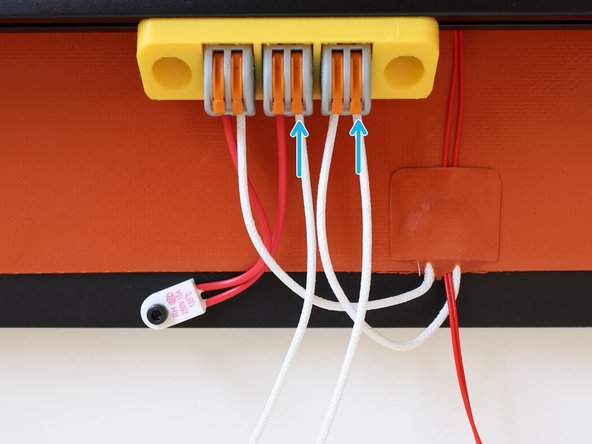
Lift the orange levers on the WAGO Terminals Insert the cables to the holes and lift down the orange levers. Leave the first two left levers open. We will connect the bed mains power to these empty slots.
-
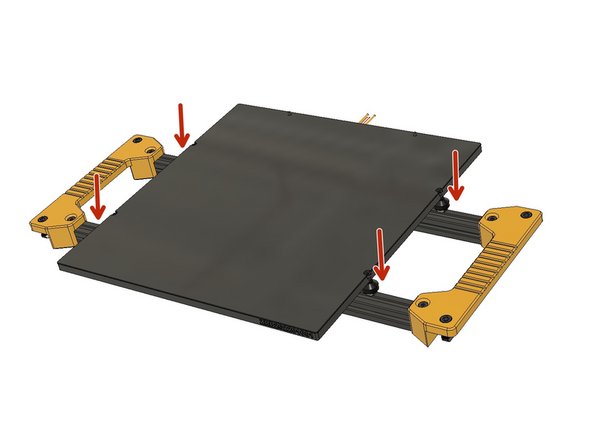
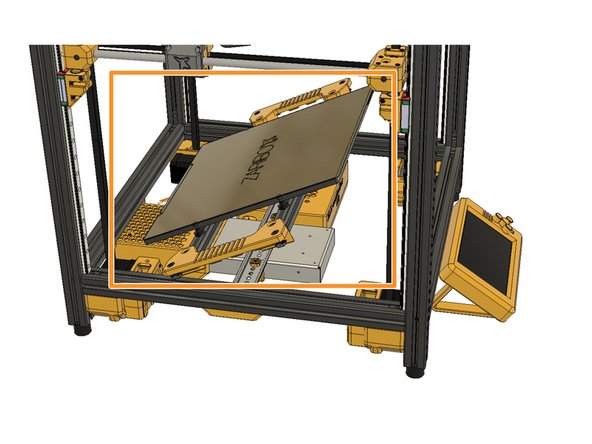
Place the heated bed assembly in an angle and hold it.
-
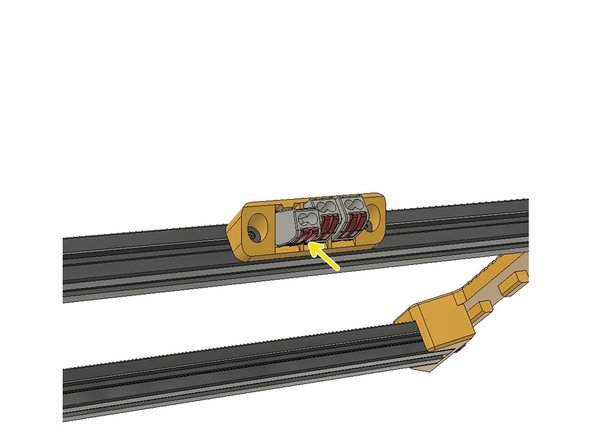
Insert the supplied mains power cable and lift down the orange levers to lock them in place on the WAGO Terminals.
-
Now, you can put aside the Heated Bed Frame assembly and move on with the following chapter. We will install it after we do the wiring and electronics.
-


Cancel: I did not complete this guide.
3 other people completed this guide.
